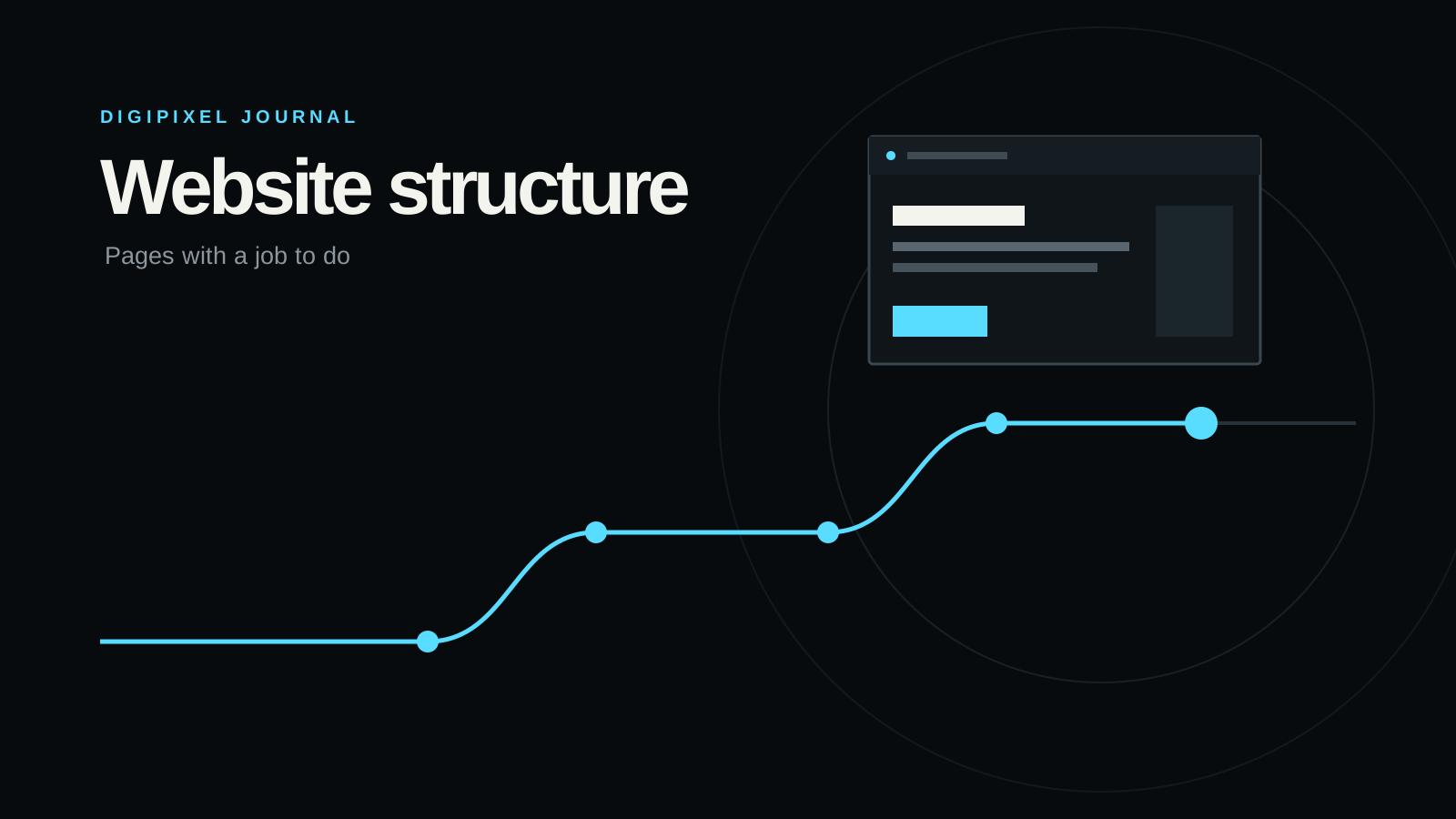
A small-business website does not need dozens of pages simply to look established. It needs enough well-planned pages to answer the right questions, build confidence and help a visitor take the next sensible step.
For many businesses, that means a home page, clear service or product pages, an about page, proof of relevant work, a contact page and the legal information appropriate to the site. The exact structure depends on what you sell, how people choose you and what they need to know before they get in touch.
The useful question is not “How many pages should we have?” It is “What job must each page do?”
Start with the visitor’s journey, not a standard sitemap
Before writing a page list, think about the people arriving on the site. A first-time visitor may need to understand your offer in seconds. A more serious prospect may want detail about a particular service, examples of your work, reassurance about your experience and a clear way to make contact.
Different businesses therefore need different routes. A local accountant may need simple service pathways and an approachable explanation of who they help. A garden-building company may need detailed service information, guarantees, project examples and practical FAQs. A regulated adviser may need careful content structure, disclosures and a calm way to explain more complex circumstances.
Those are different sites, even if each one begins with the same familiar labels: Home, About, Services and Contact.
The core pages most small-business websites need
1. A home page that explains the business clearly
Your home page should help a new visitor answer four questions quickly:
- What does this business do?
- Who is it for?
- Why might I trust it?
- What should I do next?
It does not need to contain every detail. Its job is to introduce the offer, make the main routes obvious and give people enough confidence to continue. A clear headline, short service summary, selected proof and one primary call to action will usually do more useful work than a long collection of generic claims.
2. A separate page for each important service or product group
A single Services page can work for a very simple business. Once the offer becomes broader, separate pages are usually easier for visitors and search engines to understand.
Each service page should explain the problem it addresses, what is included, who it is suited to, how the process works and what the reader can do next. Avoid creating thin pages that repeat the same paragraph with a different heading. If there is not enough useful information to justify a page, it may belong as a section on a broader page instead.
3. An about page that earns trust
The About page is not just a company history. It should help a prospective customer understand who they will deal with, how the business approaches its work and what makes that approach credible.
Useful material might include the people behind the business, relevant experience, qualifications, values, location and a straightforward explanation of how you work. Keep it specific. “We are passionate about quality” says very little unless the rest of the page shows what quality means in practice.
4. Work, projects or case studies
Examples reduce uncertainty. They show the type of problems you handle and help visitors picture what working with you could involve.
A useful case study does not need inflated numbers. Explain the context, the challenge, the decisions made and what was delivered. DigiPixel’s own project pages take this approach: the Matt Sidnell site focuses on clear, compliant content architecture; LPS Garden Buildings organises a broad service offer around customer needs; and Sunnyside Accountancy balances credibility with a warmer visual character.
5. A contact page with a genuinely easy next step
Do not make people hunt for contact details or complete a form that feels like an application. Include the methods you actually monitor, set an honest expectation about what happens next and ask only for the information needed to begin the conversation.
Local businesses may also need an address, service area, opening hours and map. If customers visit your premises, make practical information easy to find on a phone.
6. The legal and privacy pages relevant to your site
The required pages depend on what the website collects and does. A privacy notice is commonly needed where personal data is collected. Cookie information and consent controls may also be relevant, particularly where non-essential tracking or advertising tools are used. Ecommerce, subscriptions and regulated sectors can introduce further requirements.
This is an area for proper legal or compliance input where necessary. Do not copy another company’s policies and assume they fit your business.
Useful pages to add when they solve a real problem
Frequently asked questions
An FAQ page can reduce repeated enquiries and deal with practical concerns. Use questions people genuinely ask, and place important answers on the relevant service page as well. Do not hide essential information behind an FAQ simply to keep other pages short.
Journal, blog or advice centre
A Journal can answer the detailed questions that do not belong on a service page. It also creates useful internal-linking opportunities and gives the business something worthwhile to share. The test is whether the article helps a real reader make a decision or complete a task; publishing for the sake of a weekly quota is unlikely to build a useful resource.
Location or service-area pages
Location pages can be useful where the service genuinely differs by area or where customers need local information. Avoid producing near-identical pages for a long list of towns. A strong regional page with specific evidence is better than dozens of pages that merely swap the place name.
Team, process, pricing and resource pages
These pages are valuable when they answer a genuine buying question. A team page helps when relationships matter. A process page explains what happens after an enquiry. Pricing guidance can help qualify conversations when the scope is reasonably predictable. Downloadable guides or tools are useful when they help people prepare, not when they exist only to collect email addresses.
Is a one-page website enough?
Sometimes. A one-page site can be a sensible starting point for a new venture, a single offer, an event or a professional who mainly needs a credible place to confirm who they are and how to contact them.
It becomes restrictive when you need to explain several services, target different audiences, publish ongoing guidance or build search visibility around distinct topics. Long pages can also become awkward on mobile if every question, example and form is packed into one continuous scroll.
Starting lean is sensible. Starting without room to grow is less so. Choose a platform and structure that allow useful pages to be added without rebuilding everything.
A simple way to plan your sitemap
Write down the main types of visitor, the questions each one brings and the action you want them to take. Then give each page one clear primary job.
- List your priority audiences and services.
- Write the questions each audience asks before contacting you.
- Group related questions into pages with a clear purpose.
- Choose one main next step for each page.
- Identify the proof needed: work examples, qualifications, reviews, guarantees, process or practical details.
- Remove any planned page that has no distinct job or useful content.
This gives a designer a much stronger starting point than choosing a template first and filling its empty boxes afterwards.
The short answer
Most small-business websites need a clear home page, useful service or product pages, an about page, relevant proof, a simple contact route and the appropriate legal information. Add FAQs, articles, location pages or other resources when they answer a real customer question or support a distinct search need.
The best sitemap is not the biggest. It is the one that makes the business easy to understand and the next step easy to take.
Planning a new website or trying to simplify an existing one? DigiPixel can help shape the structure, content and build around what your customers actually need. Start a conversation about your website.
Explore DigiPixel’s website design and development service.
Related reading
YOUR NEXT MOVE
Need to turn the idea into a practical route?
Bring DigiPixel the brief, the problem or the part that is not working. We will work out what needs to happen next before prescribing a package.
Start the conversation →